Last updated
Vinted wardrobe search lets you browse one seller's current public listings for free. Choose the seller's marketplace, enter their username or profile URL, and load the wardrobe. This is InstantAlert's own tool, described here by its publisher. It does not ask for your Vinted password or change anything on Vinted. Additional listing filters are currently unavailable.
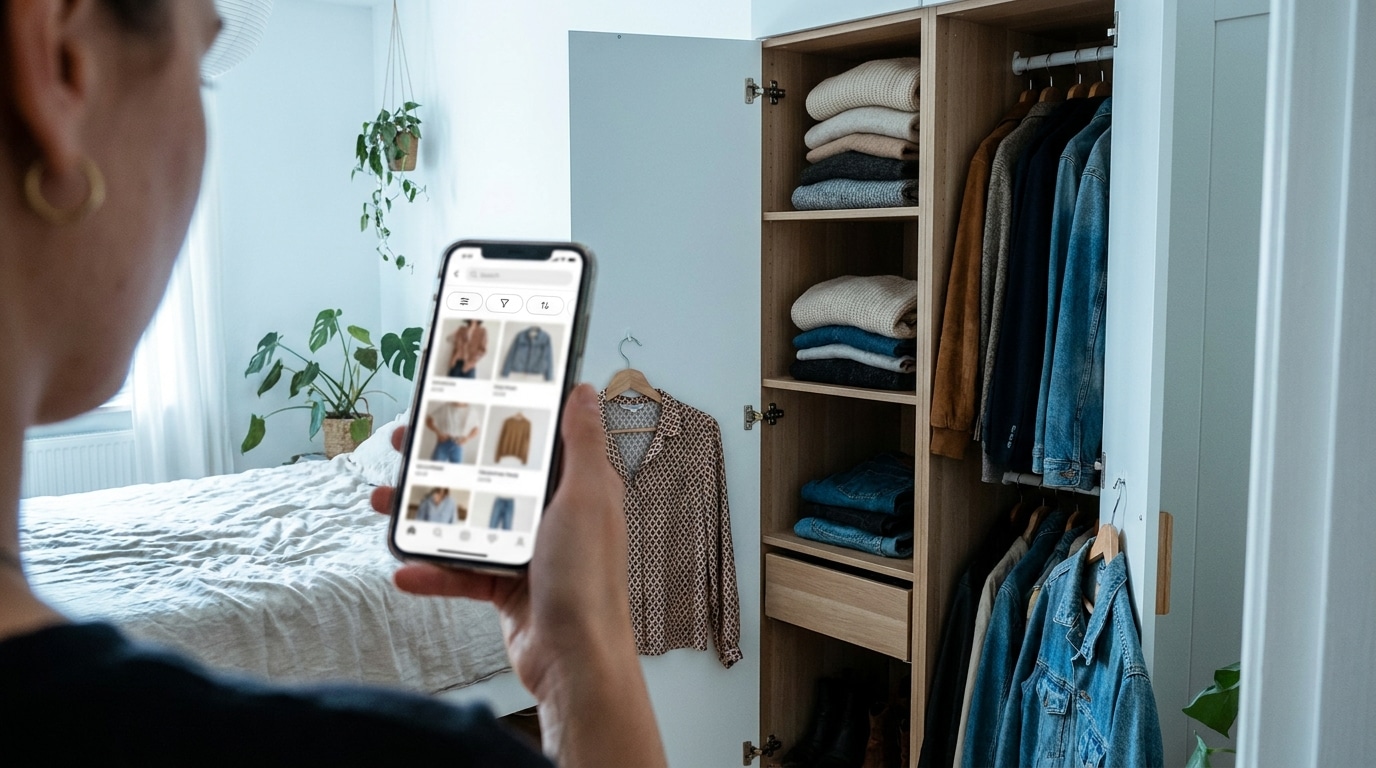
The cover and scene images are illustrations, not actual listings, product screenshots or transaction evidence.
Jump to Search one seller | What the free search does | Search a seller step by step | Filter availability | Limits | Try the search
Start with a seller, not the whole marketplace
A general Vinted search asks, “Who has this item?” A wardrobe search asks, “What else does this seller have?” That is useful when you are considering a bundle or returning to a seller whose stock interests you.
The selected seller determines which listings appear. The tool shows that seller's public wardrobe, rather than a general marketplace search. Open each promising listing on Vinted to check its size, condition, price and other details.

What is the free Vinted wardrobe search?
The free Vinted Wardrobe Search runs a one-time lookup of one seller's public listings. You do not need an InstantAlert login. To get started, open the free Vinted Wardrobe Search and enter either a username or a full profile URL.
The market selector currently covers 27 Vinted domains. That number describes InstantAlert's coverage, not the total number of markets Vinted operates. A full profile URL identifies both the marketplace and the seller, reducing the risk of selecting a similarly named account on the wrong market.
Results come from public Vinted data and may be briefly cached. Every result card points back to the corresponding Vinted listing. Review the complete item there before taking any action on Vinted.
How do you search a seller's wardrobe?
The seller's full profile URL is usually the safest place to start. A username works too, but identical or similar names can appear on more than one marketplace. Check the seller's photo and profile details before continuing.
- Select the seller's Vinted market.
- Enter a username or paste the full Vinted profile URL, then press the seller-search button.
- Select the correct seller from the results.
- Press the wardrobe search button.
- Browse the listings and keep scrolling. More cards load automatically, with a manual load-more control also available.
Changing the market clears the selected seller. Pick the correct market first, unless a full profile URL identifies it for you.
If the wardrobe is empty, confirm that you selected the right account and marketplace. The seller may have no current public listings. Sold, hidden or deleted items may be unavailable. Retry temporary Vinted connection errors later.
Which filters can you use?
The wardrobe tool currently has no additional listing filters. Category, search term, price, brand, color, material, size, condition and sorting controls are unavailable. It loads the selected seller's public wardrobe, and you browse the returned listings.
For a large wardrobe, you may need to scroll through several pages to find a suitable item. Open the complete listing on Vinted to check its details.
For filtered searches across the marketplace, the advanced Vinted filters playbook explains InstantAlert's saved-alert controls. Those alerts are separate from this wardrobe lookup and do not monitor the selected seller's wardrobe.
What the tool can and cannot do
The tool displays one seller's public listings, loads more cards while you scroll, and links to each original listing. It can help you browse several possible purchases from the same wardrobe. Building a bundle, reserving an item, contacting the seller and buying all happen on Vinted.
If you are considering several items from one seller, check Vinted's UK bundle guidance and the full cost of combining items from one seller. Item prices, parcel size, buyer protection and the seller's discount settings can affect the total at checkout.

When you leave, this lookup stops. It does not keep watching for new listings or edit anything on Vinted. InstantAlert's alert-creation flow creates a separate marketplace search alert; it does not keep watching this seller's wardrobe.
Try the free wardrobe search
Use the free wardrobe search when you know the seller and want to look through their current listings once. Paste the profile URL, load the wardrobe and open promising items on Vinted. The tool requires no InstantAlert account and never asks for your Vinted password.
If you want notifications about future marketplace listings, the Vinted alerts setup guide explains saved searches, and how InstantAlert watches a saved search describes background monitoring. That is separate from the free wardrobe lookup.