Last updated
A search can be precise about size and price yet still return the wrong item. A phone search may contain accessories; a clothing search may include phrases you want to avoid. InstantAlert's custom lists let you apply additional rules to the candidates an alert finds. This guide explains which rule to use and what it can accidentally hide.
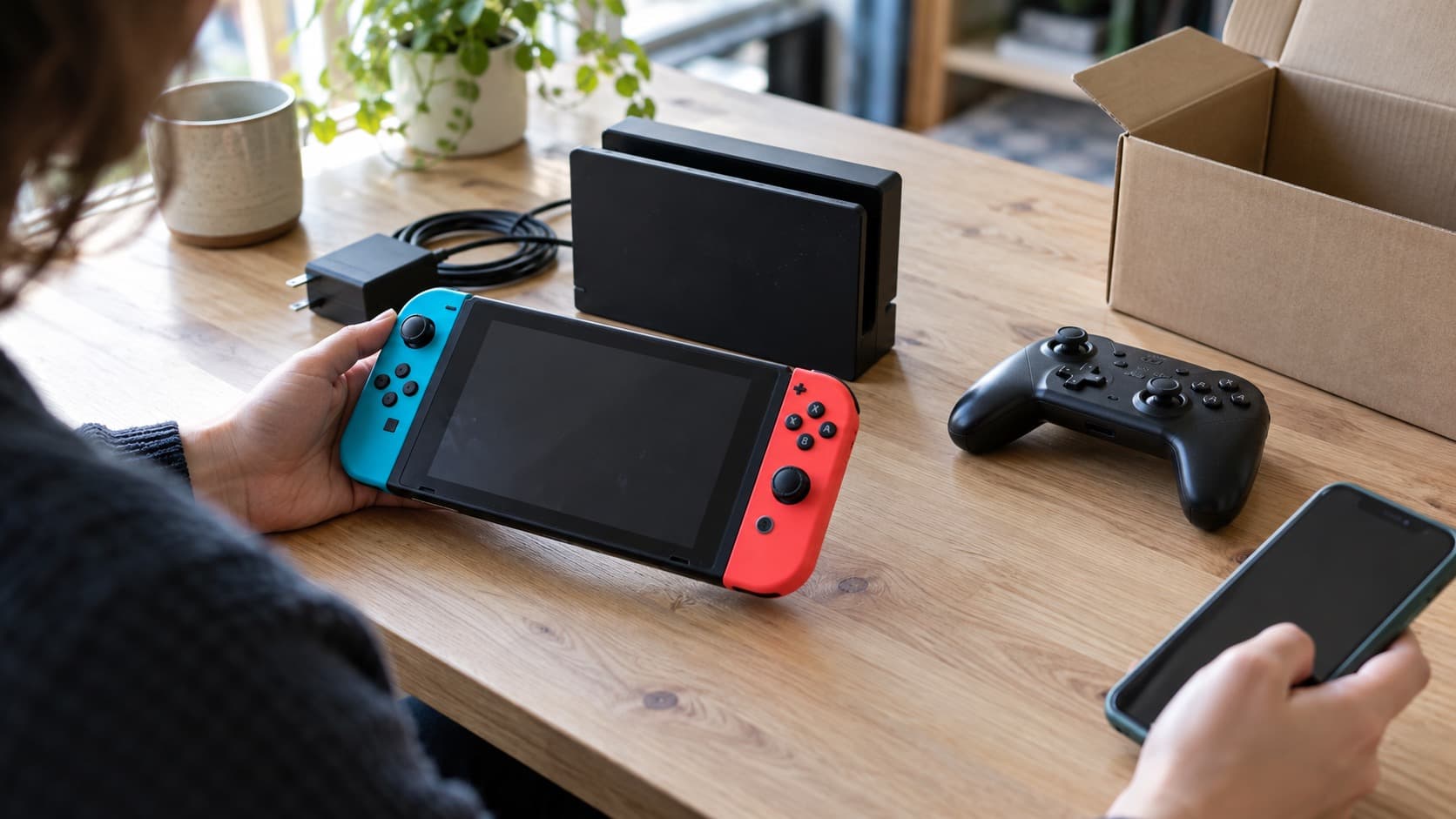
The cover and scene images are illustrations, not actual listings, product screenshots or transaction evidence.
InstantAlert is our product. These are its filtering controls and limitations, not an independent comparison or a claim that a filter can verify a seller. For the initial setup and notification timing, use the Vinted alerts guide.
Start with the native search fields
Use category, brand, size, condition and price before adding text rules. Vinted's finding-items help describes keyword and filter searches. InstantAlert uses native search criteria to fetch candidates, then applies its own lists.
That order matters. Adding a spelling variant to an inclusion list cannot retrieve a listing that the upstream Vinted search never returned. If a search is missing items, check the search term and category first. If you only want one seller's existing stock, use the free wardrobe search; it does not apply these alert-only lists.
Choose a rule for the mismatch
| What keeps appearing? | Rule to consider | What to watch for |
|---|---|---|
| Candidates without any of your required terms | Must-include list | At least one entry must match; it does not require every entry |
| Candidates containing an unwanted term | Must-exclude list | Any exclusion wins, including when an inclusion also matches |
| Listings from a seller you prefer to skip | Blocked-seller list | This filters your alerts; it does not block contact on Vinted |
| Sellers outside countries you selected | Seller-country list | Missing seller-location information can also exclude a candidate |
Lists are reusable. Attach the same list to several alerts when the rule should be shared. Editing it changes the rules those alerts use for future candidates, so check which alerts use a list before changing it.
Include words: alternatives, not a shopping specification
An inclusion list checks the title, brand and available description. At least one term from the attached inclusion lists must match. Putting wool, blue and medium in a list means any one can qualify a candidate; it does not mean the item must satisfy all three characteristics.
For a hypothetical denim search, a list containing Levi's, Levis and Wrangler expresses acceptable text alternatives. Prefer the native brand filter when that is the field you actually mean. Text such as “similar to Wrangler” is still text, not proof of the item's brand.
Descriptions are not always available. Matching then uses the fields it has. A required term that exists only in an unavailable description can be missed, so inclusion rules can hide a suitable item. Do not build a rule around information you cannot reasonably expect sellers to supply.
Whole words and Partial matches
The mode belongs to the list and affects its entries wherever the list is attached.
| Mode | Example | Consequence |
|---|---|---|
| Whole words | ring matches “Sol Ring” but not “rings” or “Gathering” | Useful when a short term should stand alone |
| Whole words, phrase | one piece matches “One-Piece” | Consecutive phrases use normalized punctuation and spacing |
| Partial | ring can match inside “Gathering” | Useful for deliberate fragments, but easier to over-match |
Matching normalizes case and accents. Where the updated mode control is available, new inclusion and exclusion lists default to Whole words; older lists may still use Partial. Check the mode shown in your editor. If it is absent, do not assume an older list uses Whole words. Seller usernames and country lists do not use these text modes.
Exclusions can remove good listings too
Start with a term that explains an actual unwanted result. If a hypothetical phone alert repeatedly returns standalone screen protectors, excluding screen protector may help. Excluding the much broader word screen could also remove a phone described as having a perfect screen.
Negation is another trap. An exclusion for stain can match “no stain”; the word filter does not interpret that as reassurance. Likewise, a phone bundled with a charger can disappear if charger is excluded. Use the narrowest phrase that serves your search, then review the effect before adding more.
For requirements that need interpretation of listing text or photos, see how to add an AI Filter after your custom rules.
Words such as replica or inspired may remove openly described lookalikes. Their absence does not establish authenticity. The misleading-listing guide covers contradictions that a text rule cannot settle.
Seller lists and country lists have different jobs
A blocked-seller list excludes specified usernames from the alerts to which you attach it. Use a neutral name such as “Sellers I skip”. A personal preference is not a finding of fraud, and the list does not moderate the marketplace.
You can also filter Vinted alerts by seller rating and review count with per-alert requirements.
Vinted's member block is separate: it affects messages, purchases and visibility inside Vinted. Use Vinted's own controls if that is the outcome you need.
The seller-country list filters the returned seller location. It does not choose the Vinted source domain, guarantee a delivery route, or promise cheaper or faster postage. If the seller's country cannot be established, the country restriction can remove the listing. The connected-markets table explains why source country, seller country and checkout eligibility are different.
Test one change at a time
For a hypothetical adult-jeans alert, begin with the native category, brand, size and item-price ceiling. Add an inclusion list only if it solves a gap the native fields leave. Add one precise exclusion when a recurring accessory or unwanted variant appears. Attach a seller or country list only when you have a reason for that separate restriction.
If results fall sharply, undo the latest restriction and inspect it. An inclusion miss, an overbroad exclusion and an unavailable seller location need different fixes. No fixed reduction in noise or increase in purchases is promised.
Custom word, seller and country filters are included on every plan, including the free trial; see the current plan comparison. Save the rule because it improves relevance, not because adding every available filter makes an alert better.