Email and push notifications, within seconds
Get your Vinted alerts by email and by push on our Android and iOS apps, usually within seconds of a match. No Discord, Telegram or third-party tools required.
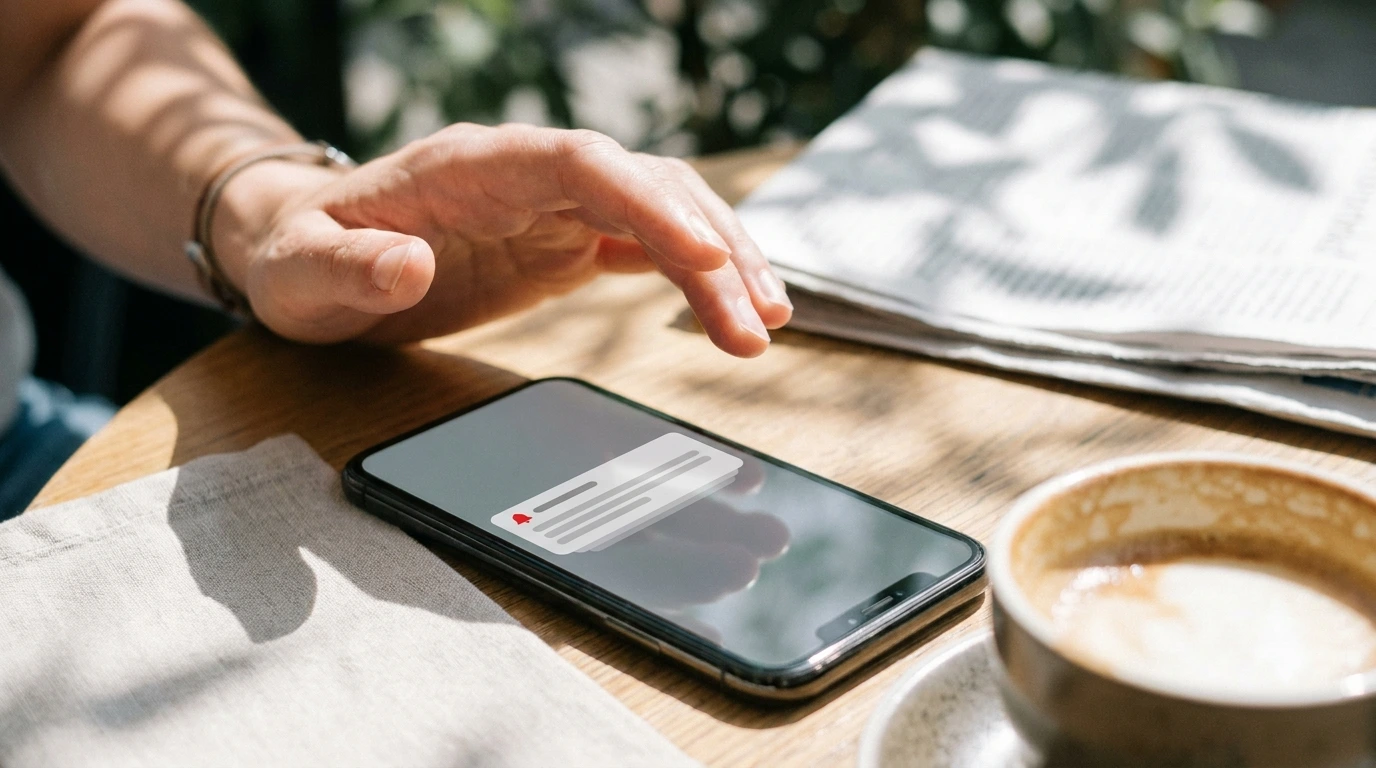
When a listing matches, you want to know now. InstantAlert delivers alerts straight to your inbox and your phone, so the listing reaches you wherever you are.
How notifications work
- 01
Choose how you're notified
Every alert has its own toggles for email and push. Turn either on or off per alert, so you decide what reaches you and how.
- 02
Add push with the app
Install our Android or iOS app to turn on push notifications, even when your phone is idle. Everything syncs, so alerts you set on your laptop notify your phone.
- 03
Alerts arrive within seconds
Once a check finds a match, the notification goes out in a couple of seconds. Push usually shows on your lock screen before the email lands.
Why our notifications work better
Two ways to hear
Email is a solid baseline; push is faster and harder to miss. Use one or both, per alert.
No extra tools
There's no Discord server to join or Telegram bot to set up. Your alerts arrive where you already are.
Per-alert control
Turn push on for the searches you care most about and keep quieter ones to email only.
Who it's for
Everyone
Email works out of the box on any plan, so you're covered from your very first alert with nothing to install.
Serious catchers
If you're chasing fast-moving listings, push on the mobile app is the way to go, it's quicker than email and lands right on your lock screen.
Notifications FAQ
What's in an alert?
Each alert tells you a new matching listing has appeared and links you straight to it, so you can open it, check the photos and the price, and decide whether to buy.
Do I need the mobile app?
Not for email alerts, those work on any plan. You only need the app for push notifications, which are faster than email and arrive even when your phone is idle. We have apps for both Android and iOS.
Why is my first email in spam?
The first email alert often lands in spam. Mark us as 'not spam' once and future alerts should arrive in your inbox normally.
Get alerts where you'll see them
Start with the 2-day free trial, including email alerts; add push with our mobile app whenever you like.
Start free trial