Vinted Notifications Not Working? Here's Why (And How to Fix It)
Frustrated by delayed or missing Vinted notifications? Learn why Vinted alerts are unreliable and how to get instant notifications for new listings.
Last month I listed a search alert for a vintage Carhartt jacket on Vinted. The kind that sells within minutes. I checked my phone an hour later - nothing. Opened the app manually and found 6 new listings. Three were already sold. Sound familiar? You're not alone, and the problem is bigger than you think.
The real problem: Vinted doesn't send alerts for new listings
Let's get the most important fact out of the way first. Vinted does not send push notifications when new items matching your saved searches are listed. This is not a bug - it's how the feature works.
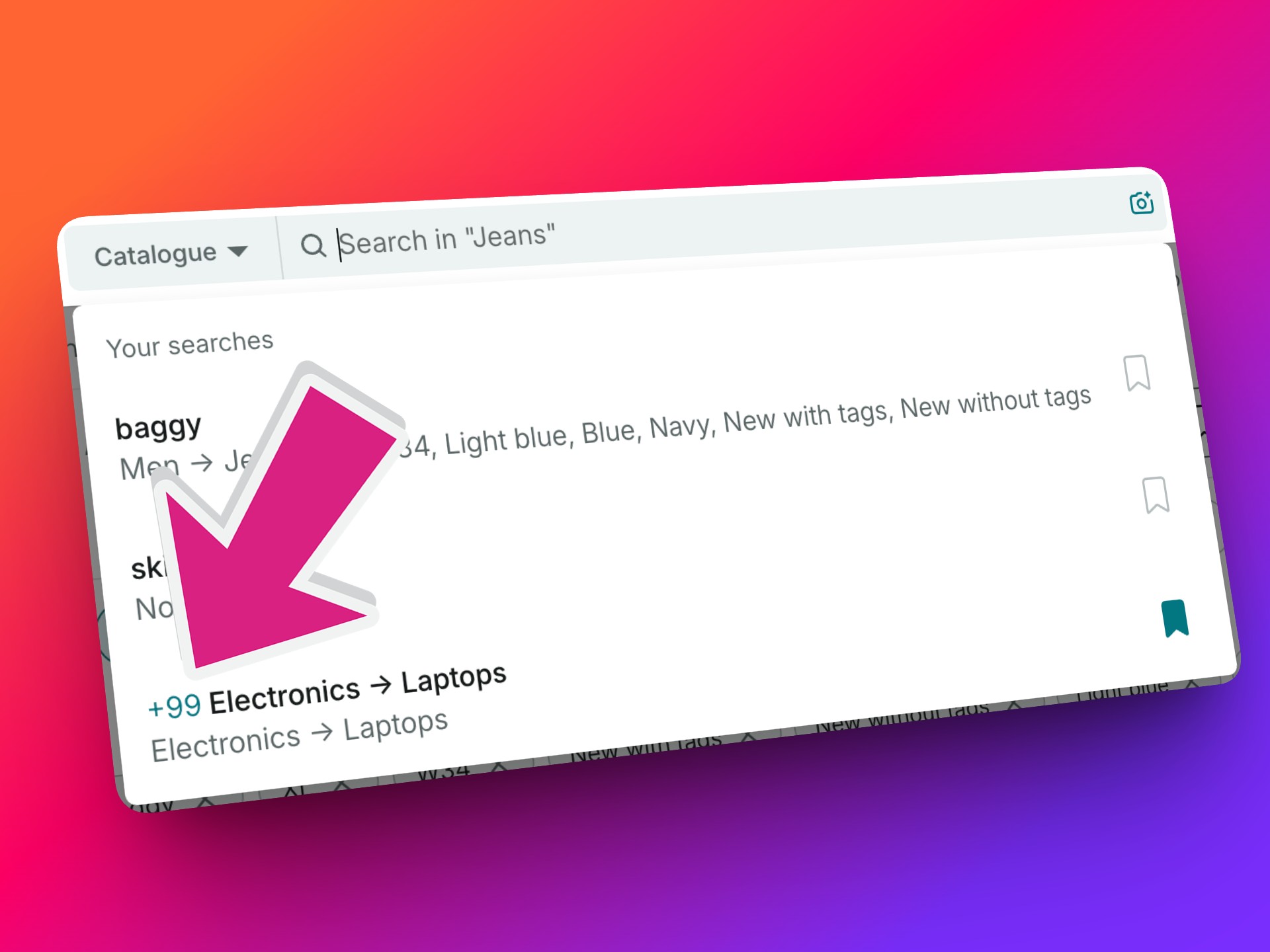
Vinted's saved search feature only shows a small counter badge inside the app (something like "12+ new items"). You will only see this when you open Vinted and tap the search bar. There is no push notification, no email, no alert of any kind.
According to Vinted's own notification settings page, the platform sends push notifications for messages, price drops on favourited items, new followers, and feedback. But new listing alerts are not on that list.
This means that every time you're waiting for a notification about that specific item you've been hunting - a pair of Nike Dunks in your size, a vintage Le Creuset, a Fjällräven Kånken in the right colour - Vinted is simply not going to tell you. You have to open the app and check manually.
Why Vinted push notifications are delayed (even for messages)
Even for the notifications Vinted does send - like messages from buyers or price drop alerts - many users report delays of minutes or even hours. Here's what causes that.
Android Doze mode
When your Android phone has been sitting idle with the screen off, it enters a power-saving state called Doze mode. In this state, your phone only processes notifications every 15 to 30 minutes during brief "maintenance windows." Unless an app sends a high-priority notification (which drains more battery and is rate-limited by Google), your Vinted alerts sit in a queue.
Aggressive battery optimization
Phone manufacturers like Samsung, Xiaomi, Oppo, and Vivo add their own battery management on top of Android's built-in system:
- Samsung: "Put unused apps to sleep" kills background processes for apps you don't use daily
- Xiaomi (MIUI): Autostart restrictions block apps from running in the background
- Oppo/Vivo: Similar aggressive app-killing behaviour
These restrictions can reduce notification delivery rates dramatically. Industry data suggests only about 35% of push notifications actually reach the user's screen across all devices.
iPhone Focus mode
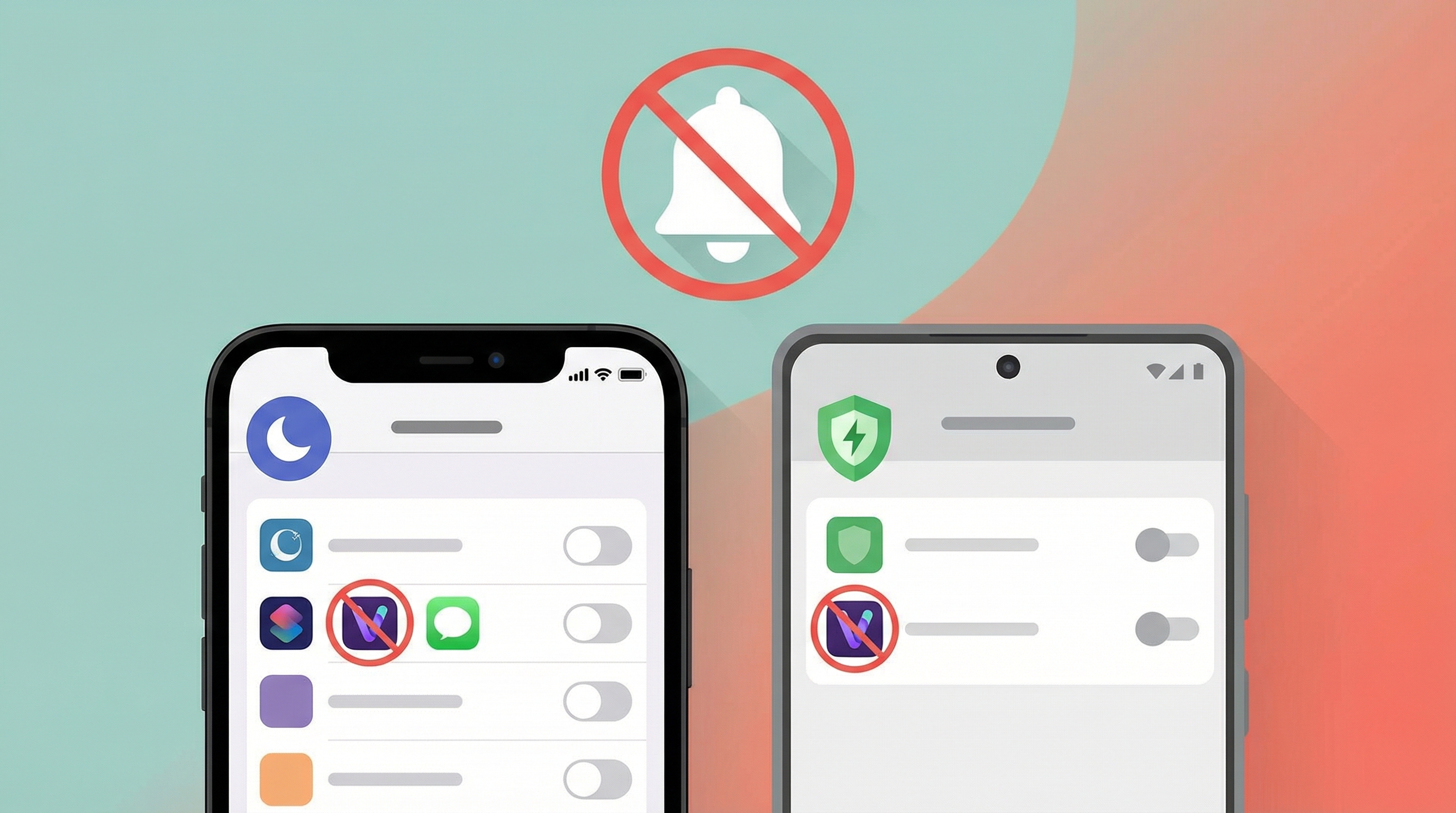
On iOS, Focus modes (including Do Not Disturb) silence notifications from apps that aren't on your allow list. If you haven't explicitly whitelisted Vinted, your notifications are held until Focus mode ends. Many people enable DND at night or during work hours without realising it blocks their Vinted alerts too.
The ghost notification bug
A widely reported issue: the Vinted notification badge shows unread notifications that won't go away, even after you've read everything. This is a cache bug in the Vinted app where the local notification state gets out of sync with the server.
Quick fixes to try first
Before looking at alternative solutions, here are some steps that can help improve your existing Vinted notifications:
On Android
- Disable battery optimization for Vinted: Go to Settings → Apps → Vinted → Battery → set to "Unrestricted"
- Turn off Adaptive Battery: Settings → Battery → Adaptive Battery → toggle off
- Lock Vinted in recent apps: Open Vinted, go to your recent apps view, tap the lock icon on the Vinted card
- Clear app cache: Settings → Apps → Vinted → Storage → Clear Cache
On iPhone
- Check Focus mode: Go to Settings → Focus and make sure Vinted is allowed in your active Focus modes
- Enable notifications: Settings → Notifications → Vinted → toggle on Allow Notifications, set to "Immediate Delivery"
- Turn off Low Power Mode: this can delay background app refresh
- Reinstall the app: delete Vinted and reinstall to clear the notification badge bug
For both platforms
- Make sure your Vinted app is updated to the latest version
- Check that in-app notification settings are enabled (Vinted → Menu → Settings → Notifications)
- Force close and reopen the app if notifications seem stuck
The honest truth: these fixes only help with message and activity notifications. They will not give you real-time alerts for new listings, because that feature simply does not exist in Vinted.
Why speed matters more than you think
If you're shopping for popular items on Vinted - branded clothing, designer bags, trending vintage pieces - speed is everything. The most desirable items sell within minutes of being posted.
Here's the timeline for a typical in-demand Vinted listing:
| Time after listing | What happens |
|---|---|
| 0–2 minutes | Item appears in search results |
| 2–5 minutes | First buyers find it and message the seller |
| 5–15 minutes | Item is reserved or sold |
| 15–60 minutes | You finally see it in your saved search counter |
By the time you manually open Vinted and notice the "new items" badge on your saved search, the item you wanted is probably already gone. This is especially true for items people are actively hunting - like the designer finds and fast-selling categories we've written about before.
The better solution: get real-time alerts outside of Vinted
Since Vinted doesn't offer instant notifications for new listings, the only way to get them is with a dedicated alert tool.
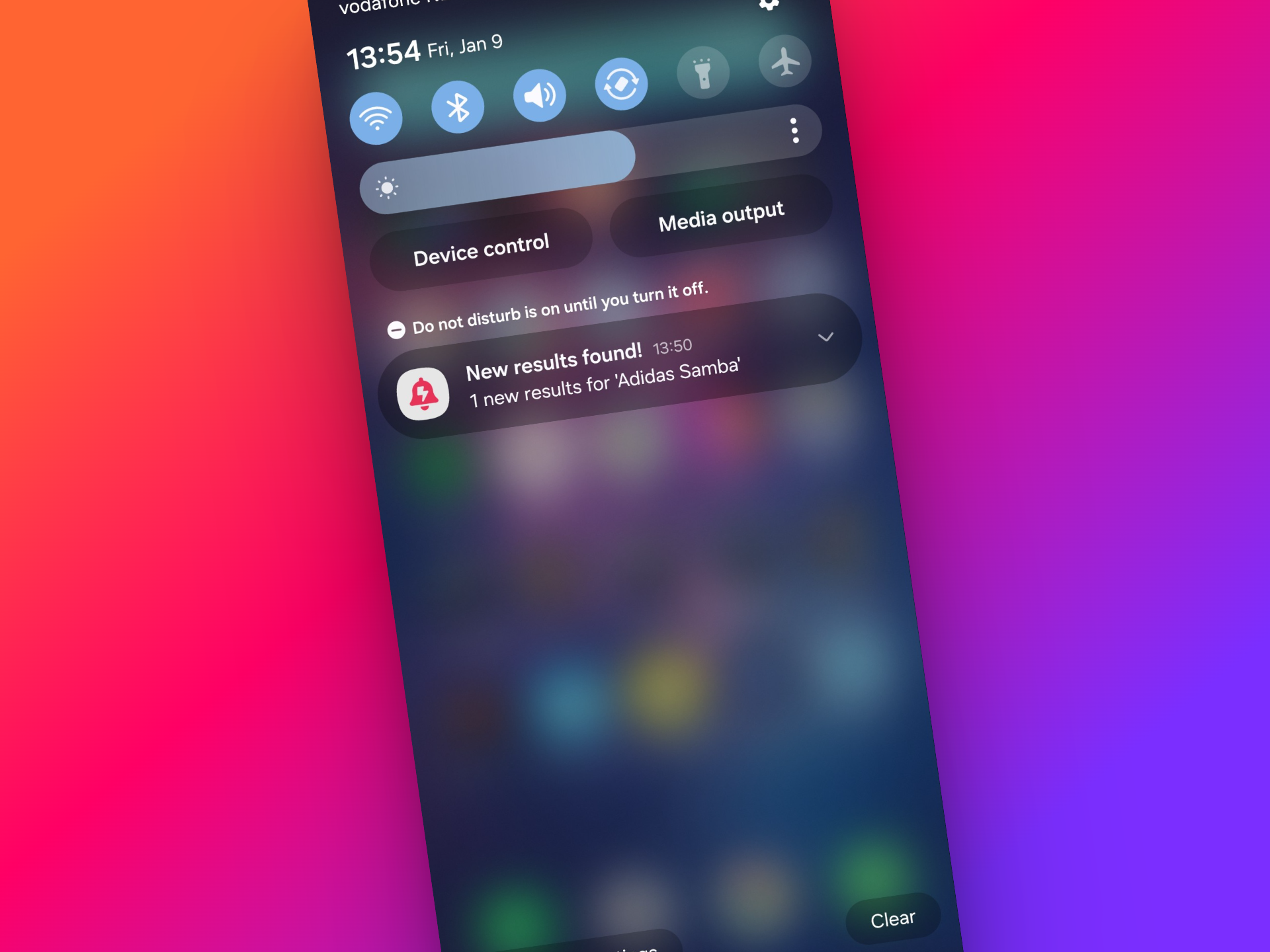
InstantAlert monitors Vinted search results and sends you an email the moment a new item is listed that matches your criteria. No need to keep the app open. No reliance on push notifications. No Doze mode delays.
Here's how it works:
- Set up your search - enter your keywords, filters, size, price range, and brand preferences. You can follow our setup guide to get the most precise results.
- InstantAlert checks Vinted continuously - not every 30 minutes, not once an hour, but continuously.
- Get an email within seconds - when a matching item is posted, you receive an email notification with the item details and a direct link to the listing.
Email notifications have a key advantage over push notifications: they are not affected by Doze mode, battery optimization, or Focus mode. Your email arrives whether your phone is idle or not. And because you're alerted within seconds instead of waiting to manually check the app, you can be first to message the seller.
Full disclosure: I built InstantAlert because I kept losing items to this exact problem. If you want to see how it compares to other tools, check out our comparison of Vinted alert apps.
What about refreshing the app constantly?
Some people try to solve this by keeping Vinted open and refreshing manually every few minutes. This works in theory, but it has two major problems:
- It's exhausting - nobody wants to stare at their phone refreshing Vinted all day
- You risk getting rate-limited - Vinted monitors for unusual activity patterns, and excessive refreshing can trigger temporary access blocks. Read more about how to avoid getting flagged by Vinted.
An automated alert tool handles the monitoring for you, without the risk of triggering Vinted's rate limits on your personal account.
Frequently Asked Questions
Why are my Vinted notifications not working?
Vinted notifications can fail for several reasons: Android Doze mode delays push notifications by up to 30 minutes, phone manufacturers like Samsung and Xiaomi aggressively kill background apps, iOS Focus mode silences alerts, or the Vinted app itself has a cache bug. Additionally, Vinted does not send real-time alerts for new listings matching your saved searches - that feature simply doesn't exist.
Does Vinted notify you when a new item is listed?
No. Vinted's saved search feature only shows a counter badge inside the app. It does not send push notifications or emails when new items matching your search criteria are listed. You have to manually open the app and check. For instant alerts, you need a third-party tool like InstantAlert.
How can I get faster Vinted notifications for new listings?
Use a dedicated alert tool like InstantAlert that monitors Vinted for new listings and sends you an email notification within seconds. This bypasses the limitations of Vinted's built-in notification system entirely. You can set up your first alert in under a minute.
Why do my Vinted notifications arrive late?
Push notifications on Android are delayed by Doze mode, which batches notifications during idle periods. Phone manufacturers add extra battery-saving restrictions that further delay or block notifications. On iPhone, Focus mode and Do Not Disturb can suppress Vinted alerts. Android Authority has a detailed breakdown of why this happens.
How do I fix the Vinted notification badge that won't go away?
Try clearing the Vinted app cache in your phone settings, then force-close and reopen the app. If that does not work, uninstall and reinstall Vinted. This bug is caused by the app's local notification state getting out of sync with the server.
Tired of missing the best Vinted deals because notifications let you down? Set up your first InstantAlert and never miss a new listing again.

Related Articles
What Sells Fastest on Vinted: Insights for Buyers and Sellers
Discover which items sell within hours on Vinted, from designer brands to kids' clothes, plus timing strategies for buyers and pricing tips for sellers.
How to Find Authentic Designer Bags on Vinted (Without Getting Scammed)
Learn to spot fake designer bags on Vinted with brand-specific authentication guides, price comparisons, and search strategies.
How to set up perfect Vinted alerts that actually work
Learn to create Vinted alerts that notify you in minutes. Covers keywords, price filters, and misspelling tricks to find deals fast.
Never Miss a Vinted Deal Again
Set up instant alerts and be the first to know when your desired items are listed. Start free, no credit card required.
Join thousands of smart shoppers already using InstantAlert
Start Free Now